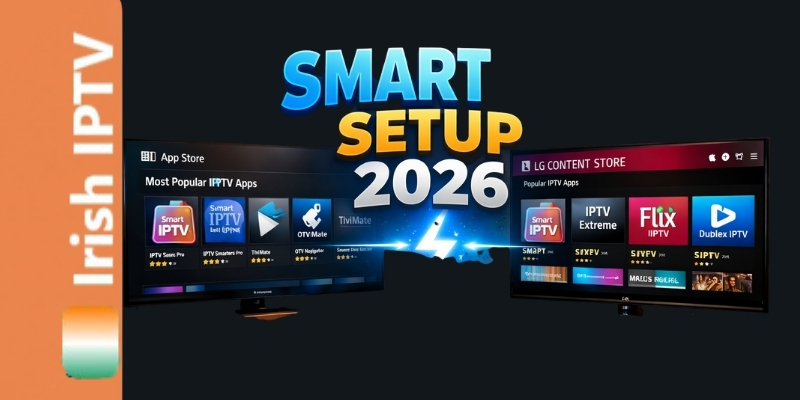
Discover the easiest way to install IPTV on Smart TV in Ireland for 2026. Our amazing, proven guide covers Samsung and LG models so you can stream live sports and movies directly without needing an extra Firestick or box.
Are you tired of switching between remotes or having extra wires hanging from your television? While the Amazon Firestick is a popular choice, many Irish households in 2026 are moving toward a “clean” setup by installing IPTV directly on their Samsung Tizen or LG webOS Smart TVs.
In this proven guide, we will show you exactly how to Install IPTV on Smart TV Ireland so you can enjoy high-quality streaming with an amazing 5-minute setup.
1. Why Choose a Direct Smart TV Installation?
Using a built-in app has several success-driven advantages:
-
One Remote: Control everything with your original TV remote.
-
4K Optimization: Native apps often handle the TV’s hardware acceleration better than external sticks.
-
Cleaner Look: No extra devices taking up HDMI ports.
2. Best IPTV Apps for Samsung & LG in 2026
Not all apps are created equal. Based on our testing in the Irish market, these are the top 3 players:
-
IBO Player Pro: The most stable and user-friendly.
-
SmartOne IPTV: Great for large VOD libraries.
-
IPTV Smarters Pro: The classic choice (though sometimes requires manual “Sideloading” on newer Samsung models).
3. How to Setup IPTV on Samsung Smart TV (Tizen OS)
Samsung TVs use the Tizen operating system. Here is the amazing way to get started:
-
Open the Apps Store: Search for “IBO Player” or “SmartOne.”
-
Install the App: Download your preferred player.
-
Find your MAC Address: When you open the app, it will show a series of numbers and letters (e.g., 00:AA:11:BB:22).
-
Upload your Playlist: Go to the app’s website on your phone, enter your MAC address and the M3U link from your Best Irish IPTV provider.
-
Restart the App: Your channels will now load instantly.
4. How to Setup IPTV on LG Smart TV (webOS)
LG TVs are famous for their “Magic Remote,” which makes navigating your IPTV EPG Guide Ireland incredibly easy.
-
LG Content Store: Open the store and search for “IPTV.”
-
Recommended App: We recommend Nanomid Player or IBO Player Pro.
-
Activation: Most LG apps require a small one-time activation fee (usually around €5), but they offer the most stable “no-buffer” experience.
-
Settings: Once installed, enter your login details (Username, Password, and Server URL).
5. Troubleshooting: What if the App is Missing?
Sometimes, apps like IPTV Smarters disappear from the Irish Samsung Store. If this happens:
-
Change Region: Go to your TV settings and temporarily change your region to “United Kingdom” or “USA.”
-
Sideload via USB: On Samsung, you can download the “Smarters.ipk” file to a USB drive and plug it into the back of the TV. It will install automatically.
6. Optimization for Irish Networks (Eir & Sky)
If you find that your Smart TV app is “buffering” while your mobile phone works fine, it is likely an ISP DNS block. To fix this:
-
Go to your TV’s Network Settings.
-
Change the DNS settings from “Automatic” to 8.8.8.8 (Google DNS) or 1.1.1.1 (Cloudflare). This is a proven way to bypass local throttling.
💡 Pro Tip for 2026:
For the best results, always use a wired Ethernet connection. Smart TVs often have weaker WiFi chips than Firesticks. A simple €10 Ethernet cable from your router to your TV will make your Fixing IPTV buffering guide even more effective.